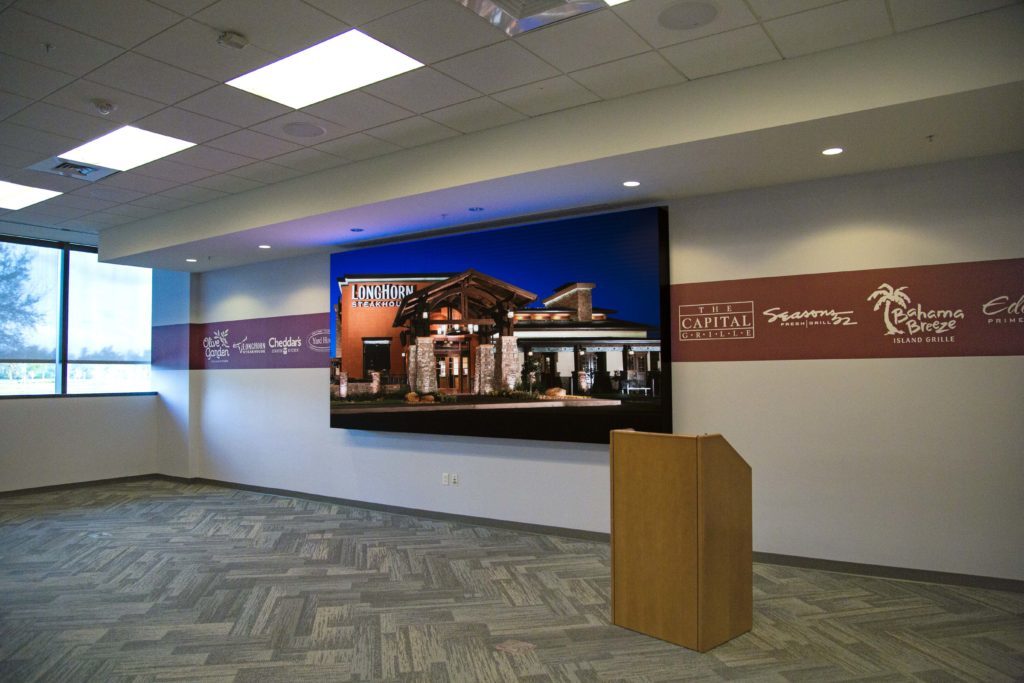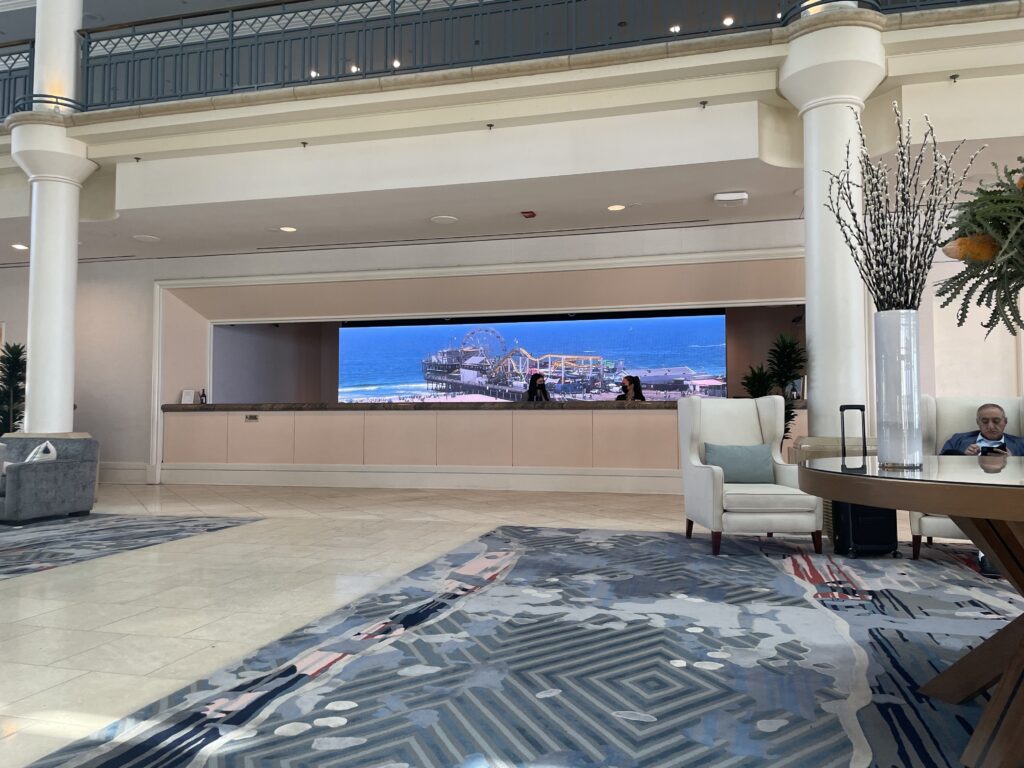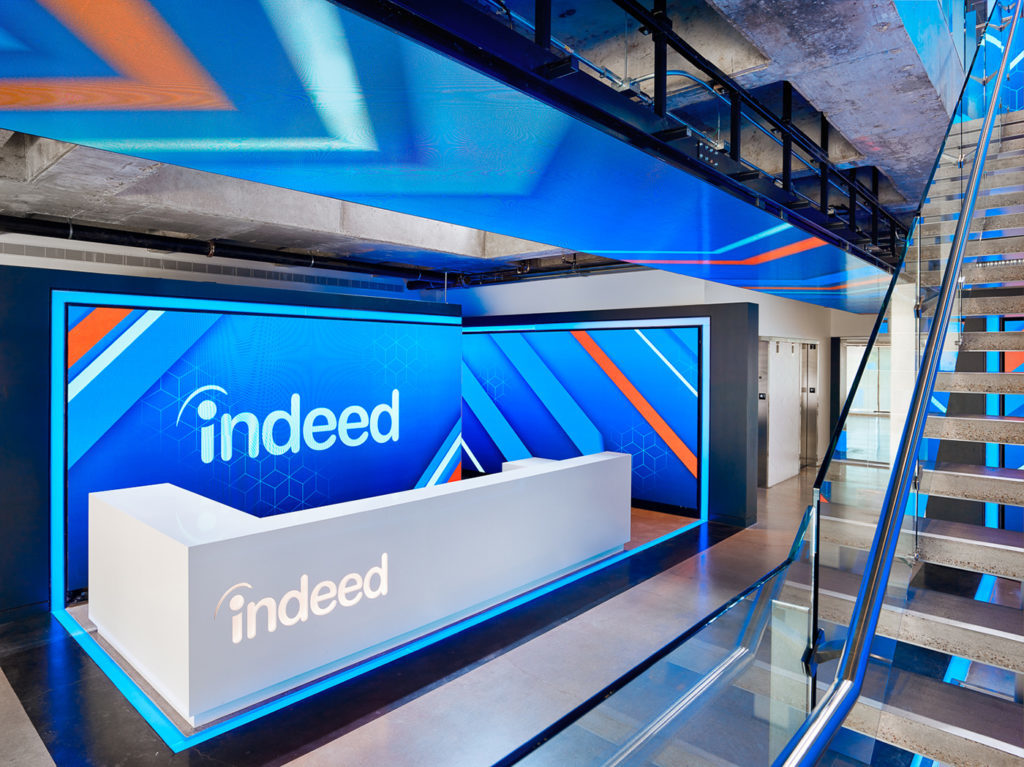
Boardrooms are unforgiving rooms for technology. Everyone in there is sitting close, paying attention, and — let's be honest — half of them are already skeptical of whatever the AV vendor recommended. If the wall looks pixelated, lags during a video call, or the room's IT person can't figure out how to get a laptop onto it in under two minutes, that skepticism turns into "let's just use the old projector." I've watched it happen.
So when a corporate client asks us to spec an LED wall for an executive presentation room, the questions we ask aren't about the flashiest panel on the market. They're about the room itself.
Start With the Room, Not the Screen
The single biggest sizing mistake we see is picking a wall size based on the wall it'll hang on, rather than the distance people will actually sit from it. In a typical boardroom, your closest seat might be 6 feet from the display and your farthest seat 20-25 feet away. That range determines two things at once: how fine your pixel pitch needs to be, and how big the wall needs to be to read comfortably from the back of the table.
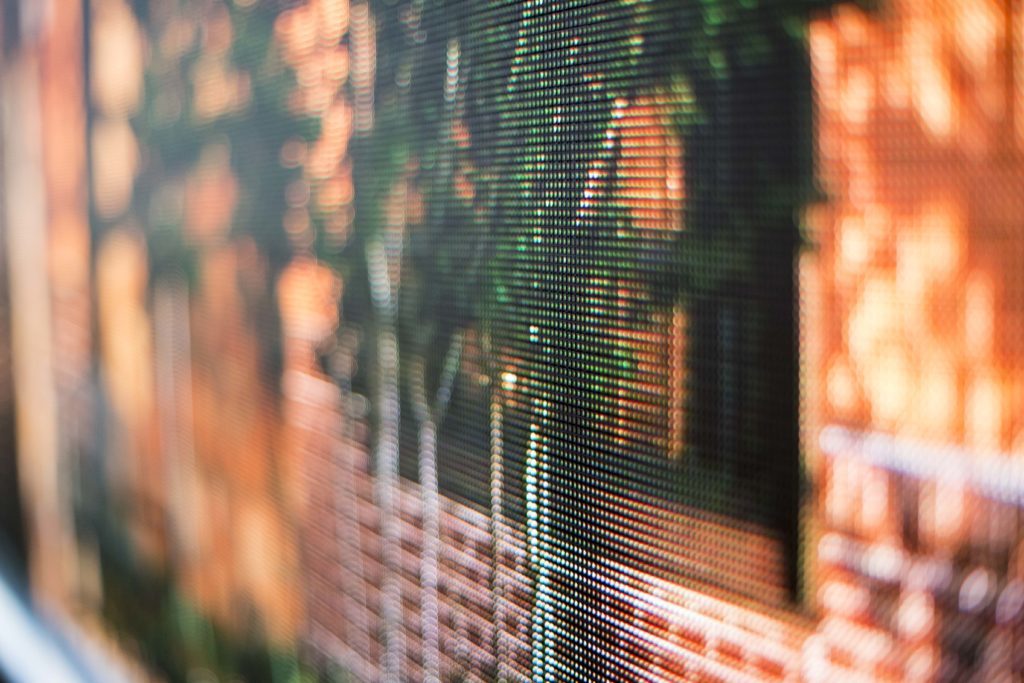
We generally recommend measuring from the closest seat that will regularly be occupied, then sizing the pixel pitch so that seat sits comfortably within the viewing distance for that pitch (see our breakdown of how pixel pitch and viewing distance relate if you want the technical detail). For most boardrooms in the 15-25 foot range, that lands you somewhere between P1.5 and P2.5 — fine enough that someone sitting at the head of the table isn't staring at a grid of dots during a budget review.
Aspect Ratio and Content Reality
Here's something that trips up a lot of boardroom projects: the room gets designed around a beautiful, ultra-wide LED canvas, and then six months later everyone's frustrated because their PowerPoint deck and their Zoom gallery view look stretched or squeezed on it. Before locking in dimensions, walk through what content will actually live on that wall day to day — standard 16:9 presentations, video conferencing grids, dashboards, or a genuinely custom wide-format experience. A 16:9-friendly wall (or one built to support both a widescreen zone and full-canvas mode) will serve a typical corporate room better than an ultra-wide format that looks stunning in a rendering and awkward in a Tuesday budget meeting.
Video Conferencing Has to Work On Day One
In 2026, a boardroom that can't run a clean video call is a boardroom that's failing at its main job. LED integration for a conferencing-heavy space means thinking through camera placement (usually mounted at or just below the wall so eyelines look natural on the far end), how the wall's processor handles switching between a conferencing platform, wireless presentation, and a content player without a visible glitch, and whether the room's microphones and speakers are tuned so the far end doesn't hear an echo bouncing off a giant reflective glass panel. We typically loop in a dedicated conferencing codec and a control system that lets someone walk in, tap one button, and be in a call — no IT call required.
The most impressive boardroom wall is the one nobody in the meeting has to think about.
Content Management: Who's Actually Updating This Thing?
A lot of boardroom LED conversations skip past a critical question: who is going to update the content, and how often? If the wall is mostly a canvas for whoever's presenting that day, your priority is a rock-solid input-switching and wireless presentation setup. If the wall is also meant to display a rotating dashboard, company branding, or scheduling info between meetings, you need a real content management system behind it — something non-technical staff can log into and update without calling us every time a slide needs to change. Skipping this conversation is one of the most common reasons a beautiful wall goes stale and unused within a year.
- Match pixel pitch to your closest regular seat, not an average distance.
- Pick an aspect ratio that fits your actual daily content, not just a rendering.
- Plan camera and audio integration alongside the display, not after it's installed.
- Assign real ownership of the content management system before day one.
We go deeper into what a cheap quote often leaves out of this equation — structure, power, and calibration costs that show up later — in our post on the hidden costs of a cheap LED wall.
Bringing It Together
A boardroom LED wall done right disappears into the work happening in the room — it just makes every presentation, call, and dashboard look sharper than the room had any right to expect. Done wrong, it's an expensive thing everyone quietly avoids using. The difference almost always comes down to whether the room's actual usage was mapped out before the pixel pitch and panel size were locked in.
We work with corporate clients across Central Florida to spec and integrate boardroom and executive presentation systems from the ground up — display, conferencing, control, and content management as one system, not a pile of separate vendors. Get in touch and we'll walk your room through the numbers before you spend a dollar.